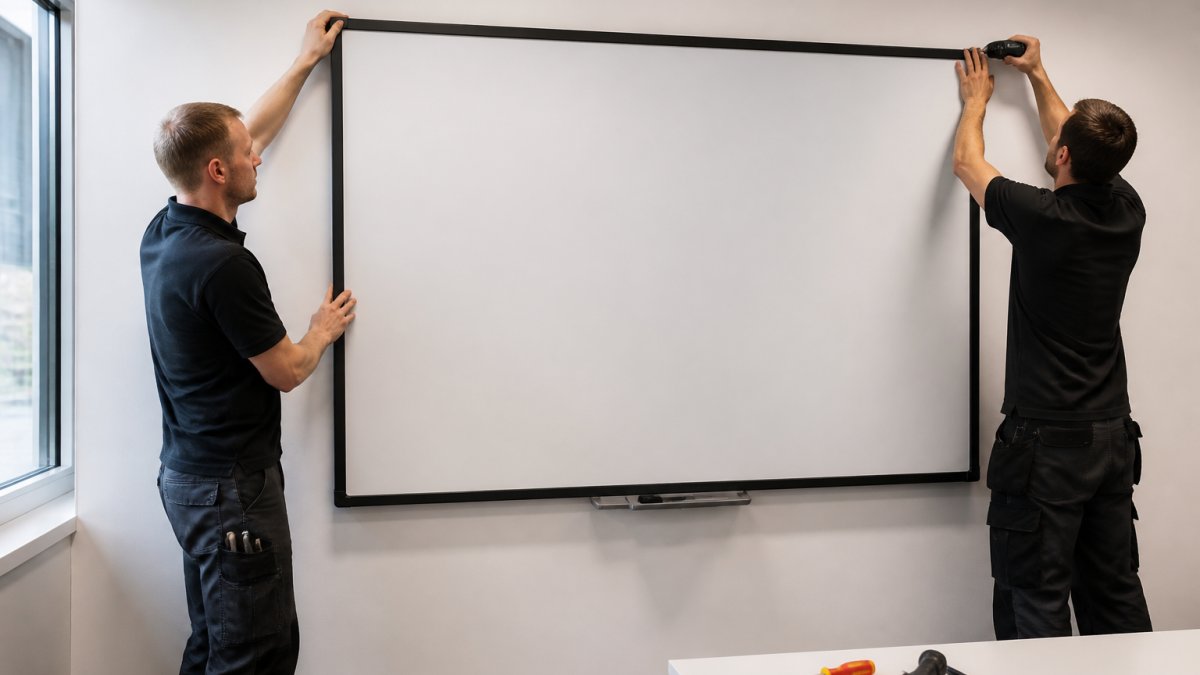
Table of Contents
- What Interactive Whiteboard Installation Services Cover
- Interactive Whiteboard Installation Checklist
- Interactive Whiteboard Wall Mounting: What the Job Involves
- Interactive Display Setup and Configuration
- What Affects Interactive Whiteboard Installation Cost
- Common Installation Problems and How to Fix Them
- Choosing the Right Installation Partner
- Conclusion: Getting Installation Right First Time around
- Frequently Asked Questions
Last Updated: October 6, 2026
What Interactive Whiteboard Installation Services Cover
Interactive whiteboard installation services cover the full process of turning a plain wall into a working touchscreen system. That means supply, a site survey, safe mounting, cable routing, software setup and staff training. At Crispin Associates, we have handled this work since 2000 for organisations.
Most buyers assume the job starts when the panel arrives. It does not.
A good provider surveys the room first. They check wall type, power points, network access and viewing distances before anyone drills a hole. This step decides whether the job takes half a day or drags on for weeks.
Supply, survey and site preparation
Site preparation is where projects are won or lost. A technician measures the wall, confirms it can carry the weight, and maps the cable route. They also check Wi-Fi coverage and where the nearest network socket sits.
Key preparation tasks include:
- Checking wall material: brick, plasterboard or stud
- Confirming mains power within reach of the screen
- Testing network speed and signal strength in the room
- Measuring sightlines so every seat can see the display
- Agreeing a cable route that looks tidy and stays safe
Skip this and you risk a screen that works but looks messy, or worse, one that will not connect reliably.
Mounting, configuration and user training
Mounting is the visible part. Configuration is the part that decides whether staff actually use the kit.
Once the bracket is fixed and level, the installer connects power, network and any audio. Then they set up the software, link accounts, and test touch response across the whole panel.
Training matters more than most buyers expect. A short session on how to switch inputs, share a laptop screen and use the built-in whiteboard app prevents a very common outcome: expensive equipment sitting switched off.
Ask for training on the same day as installation, not weeks later. Staff forget the small details fast, and a five-minute refresher on screen sharing saves hours of support calls.
Interactive Whiteboard Installation Checklist
Use this interactive whiteboard installation checklist before you book any provider. It covers the questions that separate a smooth job from a frustrating one.
- Wall type and load capacity confirmed
- Power socket within cable reach
- Network point or strong Wi-Fi tested in the room
- Screen size matched to room and seating
- Mounting height agreed with staff who will use it
- Cable route planned and trunking allowed for
- Insurance and risk assessment for work at height
- Software and accounts set up before handover
- Training session booked for the same day
- Waste packaging and old equipment removed
Work through this list with your provider. Any gaps become problems later.
Interactive Whiteboard Wall Mounting: What the Job Involves
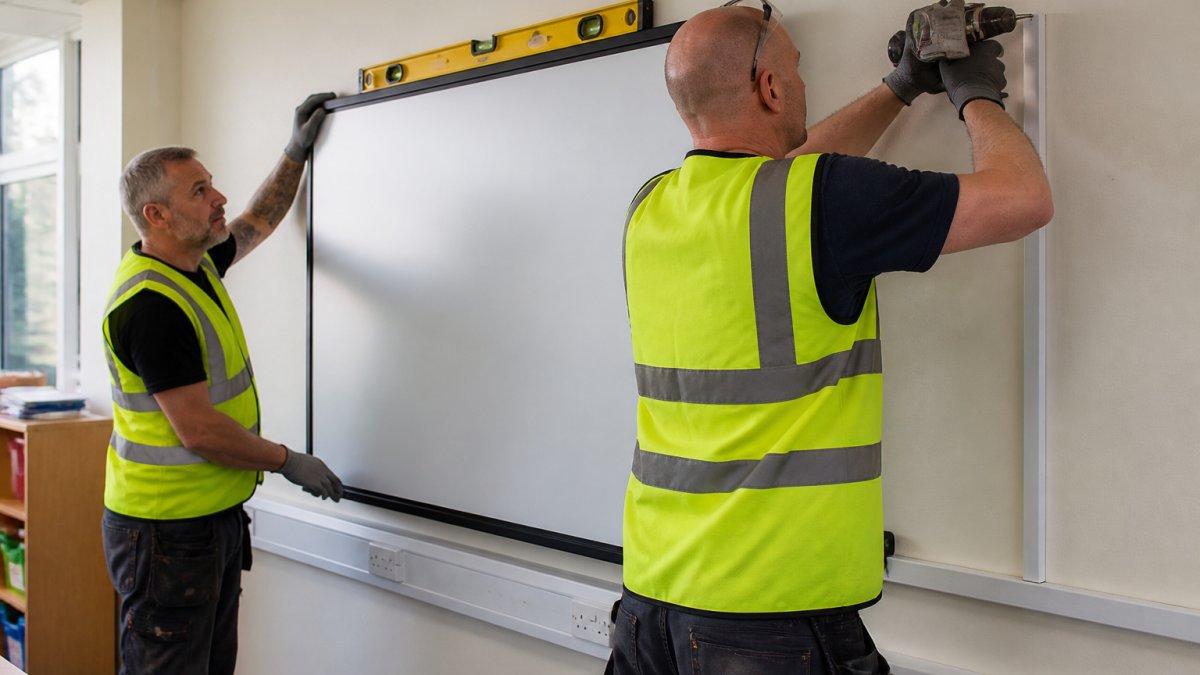
Wall mounting is the physical core of the job, and it depends entirely on what the wall is made of. A solid brick wall takes a heavy screen with standard fixings. A plasterboard partition needs special anchors or a backing board.
Here is what happens on a typical install day:
- The technician marks the bracket position using a spirit level.
- Fixings are drilled and the bracket is secured to the wall.
- Two people lift the panel onto the bracket and lock it in place.
- Cables are routed through trunking to power and network points.
- The screen is powered on and touch calibration is tested.
Height is the detail most people get wrong. The centre of the screen should sit at roughly eye level for a standing adult. Too high and children cannot reach the top. Too low and the bottom gets blocked by desks.
For work at height, a proper risk assessment is required under HSE guidance on working at height. Ask any provider for theirs before work starts.
Interactive Display Setup and Configuration
Setup and configuration turn a mounted screen into a usable teaching or meeting tool. This stage covers software, accounts, network connection and testing.
The installer will typically handle:
- Connecting the display to your network
- Installing the whiteboard and screen-sharing apps
- Linking staff or pupil accounts
- Setting up wireless casting from laptops and tablets
- Testing touch, pen and multi-user input
- Adjusting brightness and audio for the room
Poor configuration is the main reason interactive displays go unused. If screen sharing takes more than a few taps, staff give up and go back to a projector.
A provider should hand over a screen that works the moment they leave, not one that needs your IT team to finish the job.
Never let a provider leave without testing wireless casting on a real staff device. A display that only works on the installer’s laptop will fail on day one in the classroom.
What Affects Interactive Whiteboard Installation Cost
Interactive whiteboard installation cost depends on the screen, the room and the complexity of the job. There is no single figure, because no two rooms are identical.
The main factors are:
| Factor | Why It Changes the Cost |
|---|---|
| Screen size and type | Larger panels cost more and need stronger fixings |
| Wall material | Brick is simple; plasterboard needs extra support |
| Cable distance | Long runs need more trunking and labour |
| Power and network | New sockets add electrical work |
| Mounting height | High or awkward walls need access equipment |
| Training and setup | More staff means longer handover |
| Old equipment removal | Disposal and recycling add time |
Because pricing depends on quantity, room layout and delivery, we do not quote a flat rate. Contact Crispin Associates for a survey and a clear quote based on your actual rooms.
Be wary of any provider who gives a firm price without seeing the space. It usually means hidden extras later.
Common Installation Problems and How to Fix Them
Most installation problems trace back to a step that was rushed. Here are the ones we see most, and the fix for each.
Screen will not connect to the network. Usually a weak Wi-Fi signal or a faulty cable. Run a wired connection or add an access point near the screen.
Touch input is inaccurate. The panel needs recalibration, often after being moved or bumped. Run the calibration tool in the display settings.
Cables look untidy or unsafe. This happens when the route was not planned. Fit proper trunking and keep cables off the floor.
Staff cannot share their screens. The casting app was never set up on their devices. Book a short training session and test with real devices.
The screen is too high or too low. A mounting height that was never agreed with users. Reposition the bracket, or add an adjustable mount.
The display sits unused. The most expensive problem of all. Training and simple setup prevent it.
Nearly every installation fault comes down to planning or training, not the hardware. Get those two right and the screen earns its keep.
Choosing the Right Installation Partner
The right installation partner surveys the room, handles the whole job and stays reachable after handover. Price matters, but reliability matters more.
Look for a provider who:
- Visits the site before quoting
- Explains the plan in plain language
- Handles supply, mounting, setup and training as one service
- Provides a risk assessment for work at height
- Offers ongoing support, not just a one-off visit
- Advises on energy use and recycling of old kit
Sustainability is worth asking about directly. A provider that recycles old displays and advises on power-saving settings helps you cut waste and running costs. Crispin Associates has offered environmentally-friendly office technology advice since 2000, so this sits at the centre of how we work.
One honest caveat: the cheapest quote often leaves out training, trunking or disposal. Compare the full scope, not the headline figure.
Conclusion: Getting Installation Right First Time around
The challenge is not buying a screen. It is getting it mounted, configured and actually used. A rushed job leaves you with expensive kit that nobody switches on.
Crispin Associates handles the whole process: site survey, supply, safe wall mounting, setup and staff training. We also advise on energy use and recycling, backed by full manufacturer support. Contact us and get your interactive displays installed right the first time.
Frequently Asked Questions
What is included in an interactive whiteboard installation?
A typical installation covers a site survey, wall mounting, power and data connections, interactive display setup and configuration, and a handover session. The engineer checks the wall can take the weight, routes cables safely, and tests touch calibration and network access. For education and public sector sites, the provider should also supply a full asset list and compliance documentation. Ask for a written scope before booking so there are no surprises on the day.
How much does interactive whiteboard installation cost?
Interactive whiteboard installation cost depends on the display size, wall type, cable runs, and whether you need out-of-hours working. A simple wall mount on a plasterboard wall costs less than a concrete wall with long cable routes and a floor-to-ceiling lift. Pricing also varies by region and site access. For a fixed quote based on your room, contact Crispin Associates with your floor plan and display model.
Can an interactive whiteboard be installed on any wall?
Most walls can take an interactive display, but the fixings and preparation differ. Plasterboard walls often need extra noggins or a plywood pattress; brick and concrete walls need suitable anchors. The installer will check for services behind the wall and confirm the wall can carry the display weight. If the wall is unsuitable, a floor stand or trolley is a practical alternative. Always get a survey before drilling.
Do interactive whiteboards need a projector?
No. Modern interactive displays are flat panels with touch built in, so they do not need a projector. Older interactive whiteboards were often paired with a short-throw projector, but those systems are being replaced by all-in-one panels. A flat panel gives sharper images, no lamp changes, and lower running costs. If you already have a projector-based board, an installer can advise whether to replace it or keep it.