Last Updated: October 25, 2026
Quick Summary
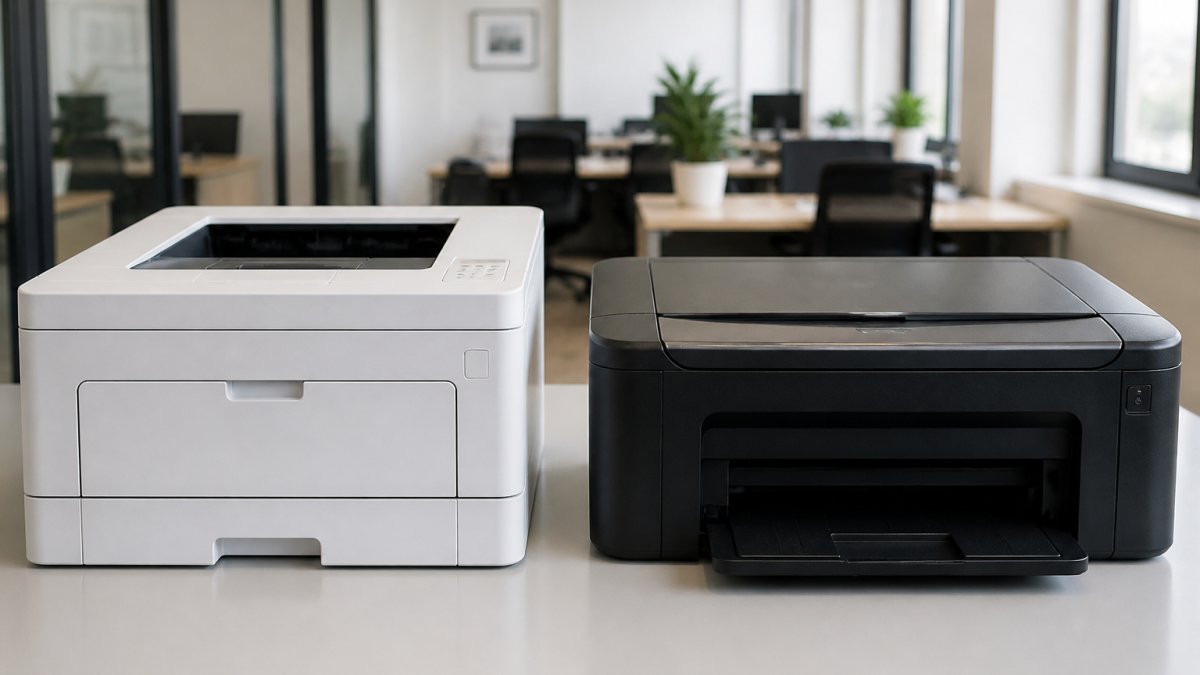
For office printers, laser models suit high-volume black-and-white text output, while inkjet models excel at colour documents and lower-volume mixed printing. Inkjet tank models replace cartridges with refillable tanks, typically lowering the cost per page over the life of the device.
- Laser printers use toner and are the safer bet for text printed at volume.
- The HP LaserJet Enterprise M611dn lists a print speed of 65 pages per minute.
- Ask for a consumables cost per page in writing before you commit.
- Running costs come from consumables, paper, maintenance and energy, with consumables usually dominating.
- Office printer leasing spreads cost and bundles support into one monthly figure.
Table of Contents
- Laser vs Inkjet Printers for Business: Which Suits Your Office
- How We Evaluated These Office Printers for Business
- HP LaserJet Enterprise M611dn: High-Volume Monochrome Workhorse
- Brother MFC-L8930CDW: Colour Multifunction for Growing Teams
- Epson EcoTank Pro ET-5850: Inkjet Economics at Volume
- HP OfficeJet Pro 9125e: Secure Printing for Hybrid Teams
- Multifunction Printers for Offices: What to Check Before You Buy
- Business Printer Running Costs: Where the Money Actually Goes
- Frequently Asked Questions
Laser vs Inkjet Printers for Business: Which Suits Your Office
Choosing between laser and inkjet technology is the first decision that shapes everything else about your office printers for business. Laser printers use toner and suit high-volume text output, while inkjet models excel at colour documents and lower-volume mixed printing. At Crispin Associates, we have advised organisations on office printers for business since 2000, and the pattern is consistent: most offices buy on purchase price and pay for it later in consumables.
Here is the short answer. If your team prints mostly black-and-white text at volume, a laser is the safer bet. If colour quality and low running costs on mixed documents matter more, an inkjet tank model deserves a serious look.
Below, we break down four real office printers for business, explain how we evaluated them, and show where the running costs actually land.
The technology choice comes down to volume and colour mix, so here is the short version.
| Technology | Best for | Key difference |
|---|---|---|
| Laser | High-volume black-and-white text output | Uses toner; safer bet for text at volume |
| Inkjet | Colour documents and lower-volume mixed printing | Excels at colour quality on mixed documents |
| Inkjet tank | Mixed colour at controlled running cost | Refillable tanks replace cartridges; lower cost per page |
How We Evaluated These Office Printers for Business
We assessed each office printer on four criteria: print technology, stated duty cycle, multifunction capability, and fit for different team sizes. Running costs and support requirements carried equal weight, because cheap hardware with expensive consumables rarely stays cheap.
A common mistake is comparing only the purchase price. In practice, the consumables and maintenance bill decides whether a printer was a good buy. If downtime is a concern for your team, our guidance on reducing printer maintenance downtime covers the practical steps.
One limitation worth stating: manufacturer specs describe ideal conditions. Real offices print in bursts, jam on cheap paper, and skip servicing. Treat stated duty cycles as ceilings, not targets.
HP LaserJet Enterprise M611dn: High-Volume Monochrome Workhorse
The HP LaserJet Enterprise M611dn is a monochrome laser built for offices that print large volumes of black-and-white text. Its stated print speed is 65 pages per minute, with a monthly duty cycle listed at 275,000 pages.
That combination suits departments producing contracts, invoices, and internal reports all day. For a busy back office, this is the closest thing to a set-and-forget workhorse in our shortlist.
Best for: High-volume monochrome printing in larger departments.
Skip if: Your team regularly prints colour marketing material or client-facing documents.
The trade-off is obvious. This is a single-purpose machine, and the supplied specifications do not confirm colour or multifunction capability. If you need scanning and copying in the same footprint, look further down this list.
Brother MFC-L8930CDW: Colour Multifunction for Growing Teams
Colour laser printing plus an all-in-one format is the pitch here, and it lands well for growing teams. The Brother MFC-L8930CDW combines colour output with print, scan, and copy functions in one device.
Small businesses needing higher print volumes are the natural audience. One device covering colour documents and everyday admin removes the need for a separate scanner in the corner.
Best for: Small businesses that need colour and multifunction capability in one unit.
Skip if: You print almost exclusively in black and white at very high volumes, where a dedicated monochrome laser will serve you better.
Watch out: the supplied specifications do not give detailed speed, capacity, or running-cost figures. Ask for a consumables cost breakdown before you commit, or you may find the colour toner bill outweighs the convenience.
Epson EcoTank Pro ET-5850: Inkjet Economics at Volume
Ink-tank printing changes the cost equation, and that is the whole argument for the Epson EcoTank Pro ET-5850. The refillable tank system replaces cartridges, which typically lowers the cost per page over the life of the device.
This is an all-in-one inkjet listed as a high-volume office option, so it covers print, scan, and copy. For offices printing a genuine mix of colour and monochrome, the economics can be compelling.
Best for: Offices with steady mixed-colour printing that want to control consumable spend.
Skip if: Your volumes are low. The higher initial purchase price takes longer to recover, and the supplied results flag exactly that drawback.
Buyers weighing inkjet economics should check certification before committing. Our guide to eco-friendly office printer certification explains what the labels actually cover.
HP OfficeJet Pro 9125e: Secure Printing for Hybrid Teams
Security is the differentiator for the HP OfficeJet Pro 9125e, which the cited comparison highlights for secure remote work. That focus matters for hybrid teams where staff print from home and office networks.
It was included in an evaluation covering security, speed, and total cost of ownership, which suggests a balanced business machine rather than a specialist.
Best for: Hybrid teams that need secure printing across home and office.
Skip if: You need confirmed high-volume duty ratings, since the supplied results do not detail specific speed or security features.
One honest caveat: “secure” covers a lot of ground. Ask which security features are actually enabled out of the box before you treat this as a compliance solution.
Multifunction Printers for Offices: What to Check Before You Buy
Multifunction printers for offices combine printing, scanning, copying, and often faxing in one device. Before buying, check four things: stated duty cycle, consumables cost per page, scan quality, and whether support is included.
Use this checklist:
- Confirm the monthly duty cycle against your real print volume, not your estimate
- Request a consumables cost per page in writing
- Check scan resolution and whether duplex scanning is supported
- Confirm network security features and who manages firmware updates
- Ask whether the supplier handles servicing or whether your IT team does
- Check eco certification and default duplex settings
That last point matters more than most buyers expect. If your IT team is already stretched, support arrangements decide whether the device becomes an asset or a burden. You can browse the business printing and copying range to shortlist multifunction devices against these criteria.
Business Printer Running Costs: Where the Money Actually Goes
Business printer running costs come from four places: consumables, paper, maintenance, and energy. Consumables usually dominate, which is why ink-tank and high-yield toner models change the maths so much.
The pattern we see is consistent. Teams focus on the purchase price, then get surprised by the first consumables order. A useful benchmark for what monthly printing should cost helps here, and our guide to average business printing costs per month sets one out.
Laser vs inkjet printers for business comes down to volume and colour mix. Laser wins on high-volume monochrome; ink-tank inkjet wins on mixed colour at controlled cost. Office printer leasing is the third route, spreading cost and bundling support into one monthly figure.
Once you know where the money goes, the next step is cutting it. Our practical guide on how to reduce office printing costs covers default duplex, user quotas, and consumables planning.
The real challenge is not picking a printer. It is matching the device, the consumables contract, and the support arrangement to how your organisation actually prints. Crispin Associates has advised organisations on environmentally friendly office technology since 2000, with complete manufacturer support and expertise across printers, copiers, digital signage, and interactive displays. Get started with Crispin Associates and build a print estate that is cost-effective, sustainable, and properly supported.
Frequently Asked Questions
What type of printer is best for a business office?
It depends on volume and colour needs. A monochrome laser such as the HP LaserJet Enterprise M611dn suits high-volume text printing, with a stated 65 pages per minute and a 275,000-page monthly duty cycle. If you print colour marketing material regularly, an all-in-one colour laser like the Brother MFC-L8930CDW covers more bases. For very high ink volumes, an ink-tank model such as the Epson EcoTank Pro ET-5850 can work out cheaper per page, though the upfront price is higher.
Are laser or inkjet printers better for business use?
Laser printers generally handle sustained high volumes of text and mixed documents with fewer interruptions, which is why they dominate busy offices. Inkjet, particularly ink-tank designs, can be more economical for colour-heavy or lower-volume work and often uses less energy. Match the choice to your actual monthly page count and colour mix rather than the label on the box. A supplier can model both options against your print data before you commit.
How much does it cost to run a business printer?
Running costs come from toner or ink, paper, electricity, maintenance and downtime. Ink-tank models usually have a higher purchase price but lower cost per page, while laser consumables cost more per cartridge but last longer at volume. Rather than guess, ask for a cost-per-page figure based on your own monthly volume. A managed print arrangement can also fix your business printer running costs into a predictable monthly amount.
Should a business buy, lease or use a managed print service?
Buying suits organisations with stable, predictable print volumes and capital budget available. Office printer leasing spreads the cost and keeps hardware current, which helps when budgets are tight or refresh cycles are fixed. A managed print service bundles hardware, consumables, servicing and support into one agreement. Public sector and charity buyers often prefer leasing or managed print because it converts a capital purchase into an operating cost and includes maintenance cover.
What features should I look for in a business printer?
Prioritise print speed, monthly duty cycle, paper capacity, duplex printing and secure release. Multifunction printers for offices add scanning, copying and sometimes fax, which cuts the number of devices you need to support. Check energy ratings and consumable yields if sustainability is a procurement criterion. Finally, confirm who handles servicing and whether the supplier provides manufacturer-backed support after installation, not just at the point of sale.
