Table of Contents
- What Drives the Cost of Digital Signage Displays
- Digital Signage Screen Prices: Commercial vs Consumer Panels
- Digital Signage Software Costs: Licensing Models Compared
- Digital Signage Installation Costs and What They Cover
- Digital Signage Total Cost of Ownership Over Five Years
- How to Build a Realistic Digital Signage Budget
- Conclusion
- Frequently Asked Questions
Last Updated: 8 October 2026
What Drives the Cost of Digital Signage Displays
The cost of digital signage displays depends on four things: panel type, screen size, software licensing, and installation complexity. Commercial-grade panels cost more than consumer televisions, but they are built to run for years rather than months. At Crispin Associates, we have advised organisations on display technology since 2000, and the pattern is consistent: buyers who understand the full cost picture make better decisions than those who compare headline prices alone.
A digital signage display is a screen and its supporting hardware, software and mounting, configured to show scheduled content to an audience. That definition matters because the screen is often the smallest part of the bill.
Three cost layers sit behind every quote:
- Hardware: the panel, media player, and mounting.
- Software: the content management platform and its licence.
- Services: installation, configuration, and ongoing support.
Most buyers fixate on the first and get caught out by the other two. Below, we break down each layer so you can budget with confidence.
Digital Signage Screen Prices: Commercial vs Consumer Panels
Commercial panels cost more upfront than consumer televisions, but they last longer in continuous use. Consumer sets are designed for a few hours of viewing a day. Commercial displays are rated for 16/7 or 24/7 operation, with better brightness and heat management.
The trade-off is real. A consumer television might look like a bargain until it fails after eighteen months of daily operation, or washes out under shop-window glare. Commercial panels hold their brightness and colour far longer.
| Factor | Consumer Panel | Commercial Panel |
|---|---|---|
| Duty cycle | A few hours daily | 16/7 to 24/7 rated |
| Brightness | Standard home levels | Higher, suited to bright spaces |
| Warranty | Typically short | Often extended |
| Lifespan | Shorter under heavy use | Built for years of service |
Screen size drives price fastest of all. A display suitable for a meeting room differs significantly from a larger screen intended for a reception area or retail window. For public sector and education buyers, the key question is not “cheapest screen” but “screen that survives its warranty period without a service call.”
Buying consumer televisions for a 24/7 installation is the most common and most expensive mistake we see. The panel fails early, and the replacement cost wipes out the saving you made on day one.
Digital Signage Software Costs: Licensing Models Compared
Digital signage software costs vary by licensing model, and this is where budgets quietly drift. Most platforms charge per screen, per month, or as a one-off perpetual licence with an annual support fee.
The three common models:
- Subscription (per screen, per month): lowest upfront, highest long-term cost. Suits short projects.
- Perpetual licence: higher upfront, lower ongoing. Suits long-term estates.
- Free or bundled: included with hardware, but limited in scheduling and reporting.
For an estate of ten screens running for five years, a subscription can cost far more than a perpetual licence. The reverse is true if you only need three screens for a one-year campaign.
What most guides miss is the hidden per-screen charge. A platform advertised as “from a low monthly rate” often means per screen, so a ten-screen rollout multiplies fast. Always ask for the total cost across your full estate and contract term before signing.
Digital Signage Installation Costs and What They Cover
Installation costs depend on mounting type, cabling runs, and whether power and network points already exist. A simple wall mount in a finished office is straightforward. A suspended ceiling mount in a listed building, or a run of new cabling across a large site, changes the picture entirely.
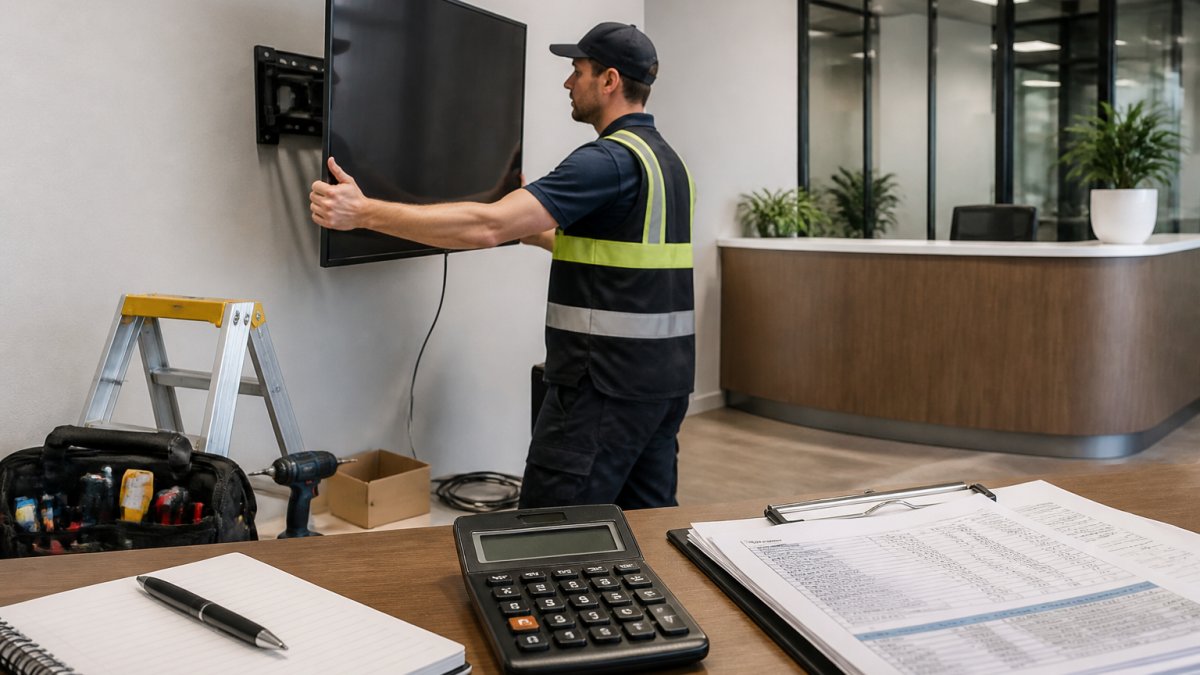
Installation typically covers:
- Site survey and mounting assessment
- Brackets, mounts, and fixings
- Power and data cabling
- Configuration and content setup
- Staff handover and training
The biggest variable is existing infrastructure. Where power and network points are already in place, installation is quick. Where they are not, an electrician and network contractor add cost and time.
Ask for a site survey before you accept any installation quote. A survey confirms whether power and data points already exist, which is the single biggest swing factor in installation cost.
Digital Signage Total Cost of Ownership Over Five Years
Total cost of ownership is the figure that actually matters, and it is almost always higher than the purchase price. It combines hardware, software, installation, energy, content creation, and support across the life of the system.
Five-year ownership costs include:
- Panel and player replacement
- Software renewals
- Electricity and maintenance
- Content production and staff time
- Support and warranty extensions
The purchase price is often less than half the true five-year figure. Buyers who budget only for hardware are surprised when the software renews, a panel fails out of warranty, or content creation becomes a weekly task nobody planned for.
We recommend building a five-year total cost of ownership model before committing to any supplier. It forces the hidden costs into the open and makes comparing quotes far easier.
How to Build a Realistic Digital Signage Budget
A realistic budget starts with the five-year total, not the screen price. Work backwards from the outcome you want, then price each layer honestly.
A simple framework:
- Step 1: Count the screens and locations you actually need.
- Step 2: Choose commercial or consumer panels based on duty cycle.
- Step 3: Select a software licence for your full estate and term.
- Step 4: Get a site survey to price installation accurately.
- Step 5: Add five-year support, energy, and content costs.
| Budget Line | What to Include | Common Oversight |
|---|---|---|
| Hardware | Panels, players, mounts | Forgetting spare panels |
| Software | Licence for full estate | Per-screen charges |
| Installation | Survey, cabling, setup | Assuming power points exist |
| Support | Warranty, maintenance | No out-of-warranty plan |
| Content | Design and staff time | Treating it as free |
This is where working with a specialist pays off. Crispin Associates advises on environmentally-friendly office technology, including digital signage and interactive displays, and can help you model the full cost rather than just the hardware. Our manufacturer support means you are not left managing failures alone.
Conclusion
Building a digital signage budget that holds up over five years is harder than it looks, and the hidden software and support costs are where most plans fail. Crispin Associates helps organisations get this right, with environmentally-friendly advice, cost-effective technology implementation, and comprehensive manufacturer support across signage, displays, and office technology. Get started with Crispin Associates and build a signage budget you can actually defend.
Frequently Asked Questions
How much does a digital signage display cost?
The cost of digital signage displays varies widely based on screen size, brightness and whether you choose a commercial-grade or consumer panel. Commercial displays cost more upfront but are built for longer daily run times and carry warranties that cover business use. Pricing also depends on quantity, mounting requirements and delivery. Contact Crispin Associates for a quote tailored to your site.
What affects the cost of a digital signage system?
Several factors influence the total cost: screen size and resolution, commercial versus consumer grade, software licensing model, installation complexity, and whether you need a media player. Ongoing costs such as electricity, content management and maintenance also contribute. Planning for digital signage total cost of ownership rather than just the screen price gives a more accurate budget picture.
Do digital signage displays need a media player?
Some commercial displays have built-in media players, while others require an external device such as a small form-factor PC or a plug-in stick. Displays with integrated players reduce hardware clutter and simplify installation, but may limit flexibility if you need advanced content scheduling. Discuss your content requirements with your supplier to choose the right configuration.
Is digital signage worth the investment for a business?
Digital signage can replace printed posters and notices, cutting recurring print costs and allowing instant updates across multiple screens. For organisations with high footfall or frequent messaging changes, the savings on print and staff time often justify the upfront spend. Request a demonstration from Crispin Associates to see how the technology fits your communication goals.